Give AI access. Keep control.
Route approved AI agent access through an MCP proxy and enterprise gateway for identity, policy, approvals, and audit.
Install Durin to your Agent
Copy a setup prompt into your Agent, or choose your client for manual setup.
Let your Agent set it up
Copy this prompt into your Agent. It runs the Durin CLI and guides setup. You choose your organization and Agent in the CLI and complete sign-in in the browser.
Manual setup
Choose your client and configure a direct MCP connection.
Use your personal endpoint
Copy your endpoint from Connected clients in Durin. Replace YOUR_PERSONAL_ENDPOINT_ID in the example with the value from your endpoint.
Get your MCP endpointAdd the configuration in your client settings.
Save the configuration, then authenticate Durin in Cascade MCP settings.
Then request a tool through Durin and confirm the session in Connected clients.
Configuration for Windsurf
Cascade MCP settings → Open MCP config file
Merge the Durin entry into your existing configuration.
Move from shadow connections to a managed path.
Durin is an MCP proxy and AI access gateway for teams that need a clear route from an approved agent client to an approved company system. Evaluate the boundary, then plan the rollout around the coverage you can verify.
A route you can inspect
Employees can use approved agent clients through a managed route to approved connections, tools, and resources. A client login is not treated as permission to every upstream system.
Decide before the call
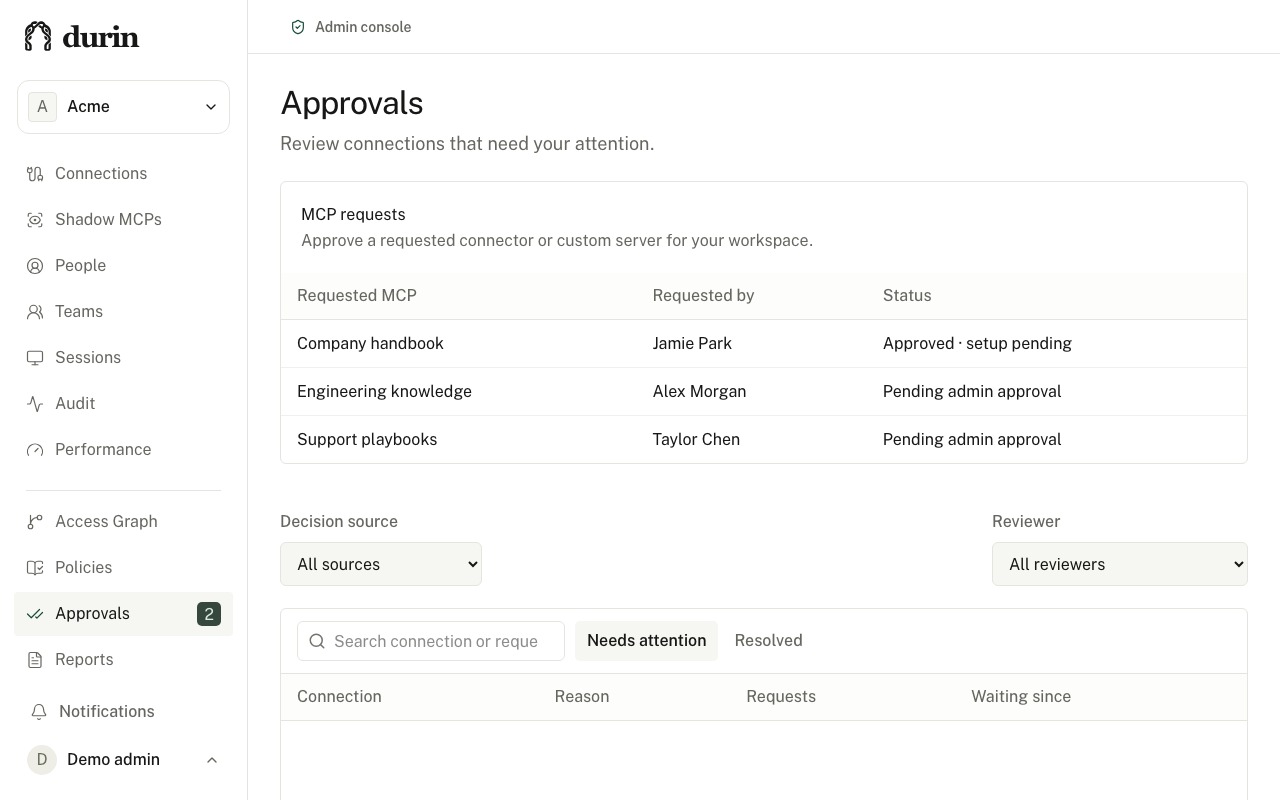
Requests meet the current membership, connection, resource, and policy boundary. Missing or unsupported facts fail closed. Sensitive writes can require an independent approver with an exact, time-limited grant.
Keep the evidence
Durin records the requesting person or service, client, connection, policy decision, approval where required, and execution result. Potentially completed writes remain explicitly uncertain instead of being blindly retried.
Connections, not people.
First connection free. Your first four paid connections are $399 each per month. Each additional paid connection is $199 per month. 10 GB per connection monthly, pooled across your organization and prorated by enabled time. People and approved agent clients do not add seat charges. Live production connections require provider setup and trust review.
See how pricing worksStart with one workflow.
Sign up with your work identity
Authenticate to begin organization setup and create the workspace that owns policy.
Test a specific workflow
Inspect allowed requests, denied actions, and approval decisions for the workflow you want governed.
Plan your first production connection
Agree access rules, verify provider setup, and confirm commercial terms before activation.
Make the case for governed AI.
Your next shadow IT problem is an AI agent.
A practical guide for IT teams evaluating an MCP proxy and governed route for AI agent access.
A trusted employee. An overprivileged agent.
A CISO guide to unmanaged agent access, MCP proxy boundaries, prompt injection, and production gates.
MCP connects your tools. Who controls the calls?
A CTO guide to MCP proxy architecture, trust boundaries, approval semantics, and production trust.
When AI can act, who is accountable?
A CEO guide to governing AI agent access, reducing shadow connections, and setting responsible rollout gates.
What is an MCP gateway, and when do you need one?
Learn where an MCP gateway fits, which access controls to evaluate, and when a shared tool connection needs centralized governance.
MCP gateway vs API gateway: which controls do you need?
Compare API and MCP gateway capabilities, check what your existing platform supports, and identify gaps in tool policy, approvals, and audit.
AI agent approval workflows: review the action before it runs
Design human review for sensitive tool calls, bind approval to the exact request, and handle retries without confusing permission with execution.
MCP governance: a practical rollout checklist
Inventory agent access, review tools and credentials, configure policy, test approvals, and keep useful evidence as your MCP rollout grows.
See your governed access path.
Create an account to manage identity, policy, approvals, and audit for requests routed through Durin.
Create an account